
A Better Way to Engage Patients Before Surgery
- Make pre-assessments easy for patients to complete
- Connect with patients via email and two-way texting
- Reduce staff follow-up and help avoid cancellations
Join 2,000+ ASCs and 75,000+ users who trust HST







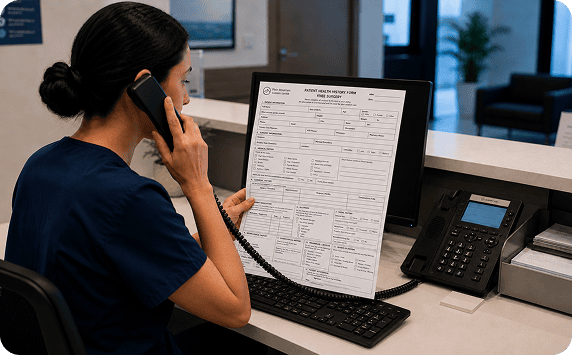
Spend Less Time Calling Patients and More Time Caring for Them
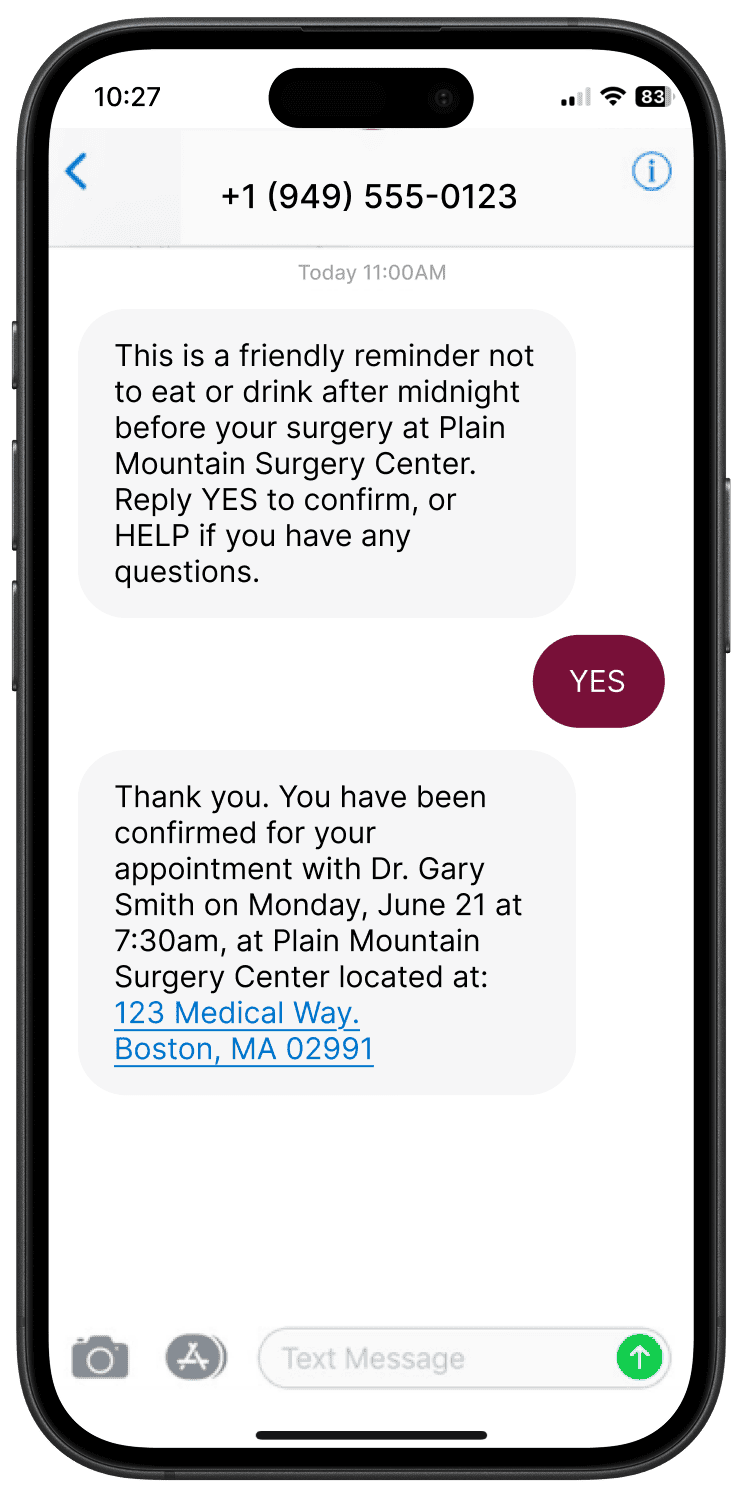
Communicate with patients in the way they prefer.
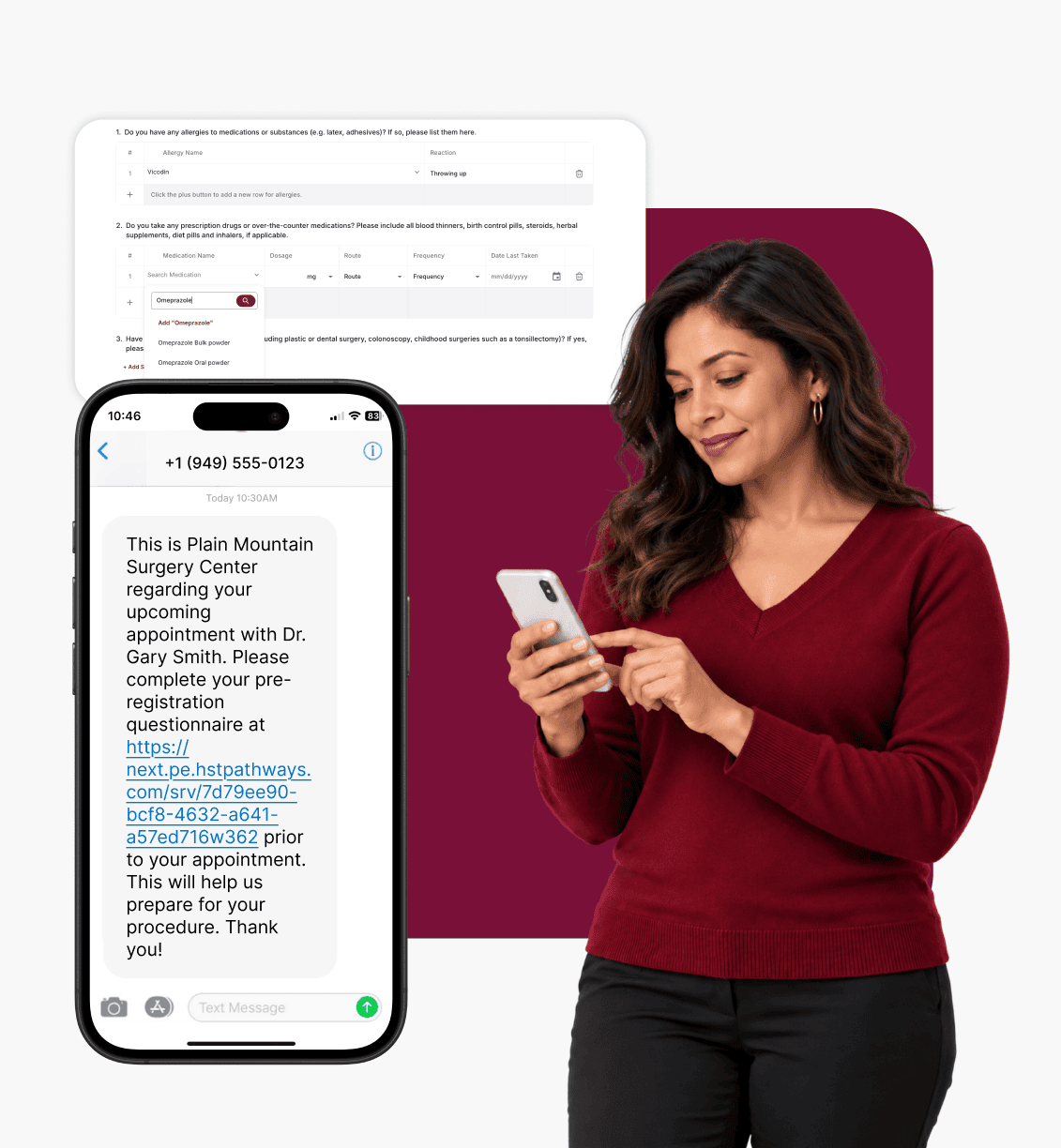
With easy-to-use online pre-assessments and two-way patient texting, your center can collect patient health history, send reminders, and stay connected with patients throughout their care.

Decrease Cancellations & Delays

Reduce Login Friction for Patients

Support Safer Patient Care

Give Staff More Time Back
1. Customize Your Pre-Assessment
Create multiple pre-assessment forms to fit your center’s needs and workflows. Choose the health history questions for each form and edit it yourself at any time.
2. Automatically Flag Responses for Review
Set custom rules to auto-flag patient responses that may need additional review by your clinical staff.
3. Send the Form to the Patient
Send patients a secure text or email so they can complete their pre-assessment from their device.
4. Review the Pre-Assessment
Patient responses are automatically saved as they complete the pre-assessment, allowing them to return later and pick up where they left off. Staff can access responses at any point, whether the form is partially completed or submitted.

ASCs Love HST
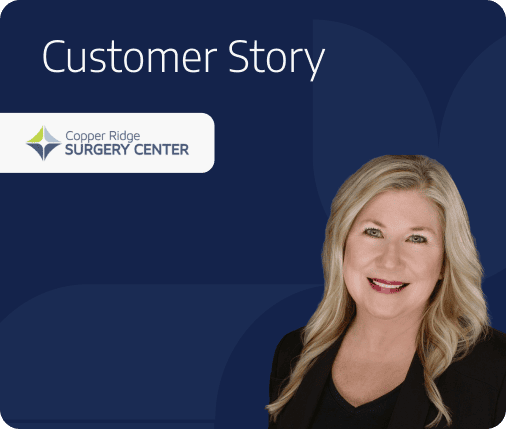

So, with the patient engagement piece of it… they’re able to send some text reminders to patients regarding upcoming appointment times at our ASC, which has helped to reduce cancellations.
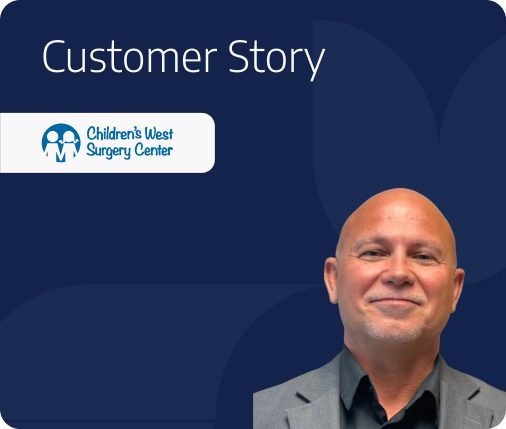
Now they can just go online at their convenience at night, on the weekend, and then they can just finish it, complete it, and then we have it available.
Key Capabilities

Two-way Patient Texting
Send automated pre-operative reminders and communicate one-on-one with patients by sending text messages from your computer. Reach patients faster with patient texting and remove the need to manually call patients to gather their medical history.

Patient Responses Flow into the EMR

Flag Text Messages
Automatically flag patient replies based on key words. Use Send Rules to customize which patients should or should not receive a text message. Plus, use Patient Response Rules to flag cases for Scheduling, Billing, or Clinical follow-up. This helps your staff quickly catch risks without watching every message.

Follow-Up Status
Easily communicate next steps with the Follow-up Status in the pre-assessment queue. Follow-Up Status provides visibility into your attempt to contact a patient whether it be through a text message, call, or email.

Multiple Pre-Assessment Forms
Create different pre-assessment forms based on procedure types or other requirements.

Conditional Question Logic
Automatically adjust the next set of questions patients see based on their responses to previous questions.

Automated Reminders at Every Step
Send multiple text or email reminders—before surgery, on the day of, and after—to help reduce cancellations and keep patients on track. Most centers send 5–10 messages per patient, but you can set the cadence that works best for your workflow. Choose from message types like Pre-Surgery, Day of Surgery, Post-Op, and Pre-Admission, and schedule each message based on days or hours before surgery.

Customizable Pre-assessment Form
Control the customization of your pre-assessment form with the pre-assessment form designer. This designer tool offers a multitude of question types such as multiple choice, yes/no, and free text, along with unique options for each question type.

Pre-Assessment Auto-flagging
Questions can be set up to alert a pre-op nurse when a patient provides a specific answer to a question. For example: If a patient answers “yes” to the question “Do you have high blood pressure?” a flag could appear on the case as a notification to the pre-op nurse to review the patient’s history for specific alerts. Auto-flagging helps ASCs staff align with each patient’s unique health history and needs.

Integrations
Seamlessly connect with case scheduling and care communication in the HST platform.

Flexible Device Access
Staff can access patient texting and pre-assessments on tablets, laptops, or desktops. Tablets offer on-the-go mobility throughout the center and laptops or desktops are great for front-desk efficiency—giving your team the flexibility to work wherever they are.

Built-In Medical Definitions
Make pre-assessments easier for patients by adding helpful medical definitions directly into the form—reducing patient confusion and improving completion rates.

Simple Patient Access to Health History Forms

Pre-Built Question Library

Automated Post-Op Messages
Follow up with patients automatically at 30, 60, or 90 days after surgery to support better patient recovery and satisfaction.

Form History and Visibility
Easily update your pre-assessment forms while keeping a record of older versions. Each form shows its creation date, making it easy for staff to find and use the most up-to- date version.

Post-Discharge Instructions
Easily send instructions after surgery to help patients recover and cut down on follow-up calls.

Send Educational Videos
Include helpful videos in your messages to explain what to expect before surgery and ease patient anxiety. Just add the video link to your message.

Medication Lookup

Forms Available in Multiple Languages
Patients can choose their preferred language in the pre-assessment form using the embedded Google Translate dropdown—making it easier for patients to complete their health history forms.

Smart Messaging Rules
Set up rules to send different messages based on the patient’s doctor, procedure, or anesthesia type—so each patient gets only the info they need.

Assessment Summary and Risk Flags
Call out important clinical details on the printed patient summary. These flags are set up in the pre-assessment form and show up for staff such as the anesthesiologist. They highlight allergies, medications, or other risks—so the staff is fully prepared before surgery.

One Patient Link for All Forms

Printed Pre-Assessment Forms

Medication Reconciliation Form Creation

BMI Automatically Calculated
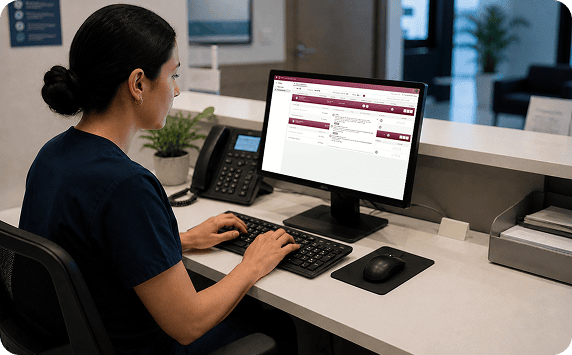
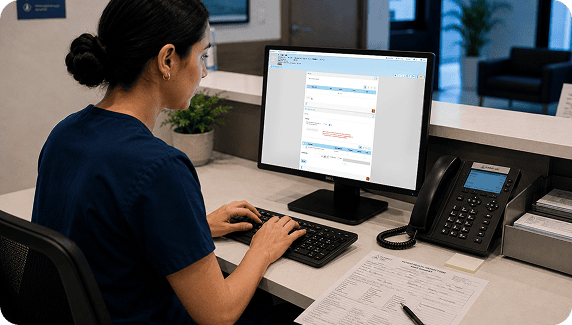
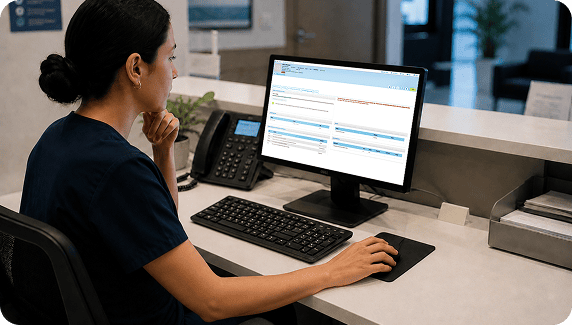
A Better Way to Capture and Chart Patient Health History



You’ve Got Questions, We’ve Got Answers
Can I see if a text message was opened by the patient?
You can’t tell if it was specifically ‘opened,’ but you can check if it was sent, received, had an error, or failed, and see how the patient replied.
How will patients receive the pre-assessment form?
Patients will receive the online pre-assessment form through a secure and unique URL either by text or email.
Is HST's patient texting & pre-assessment solution HIPAA compliant?
Can patients respond to automated text messages?
Yes, you can set up automated text messages to go out and patients can respond directly to those automated messages.
What can I do if a patient’s pre-assessment form is complete, and I don’t want them to receive further communications?
You can create a send rule to prevent any text messages from being sent to patients.
Do returning patients have to complete their entire health history again?
No. Returning patients can review and update their previous health history instead of starting from scratch. If your center has added or changed any questions since the patient’s last visit, those questions will appear blank for the patient to complete. This helps your center keep patient information accurate while saving patients time by only asking them to answer new or updated questions and review their previous responses.
Can pre-assessment questions change based on the patient or procedure?
Yes, as an example, children can receive different questions than adults, and patients having a GI procedure can receive different questions than those having orthopedic surgery. Questions can also change based on previous answers. If a patient answers “Yes” to having diabetes, additional questions about diabetes will appear. If they answer “No,” those questions are skipped. This helps patients only see questions that apply to them.
Helpful Resources

3 Quick Tips to Easily Strengthen Your Patient Relationship

How to Get Your First 1,000 Patients Scheduled at Your New ASC
